




Great web design takes more than just good taste.
It’s the result of good decisions, sharp taste, and the right tools doing the heavy lifting behind the scenes.
The tools you choose shape how you plan, design, collaborate, test for accessibility, and ship work that doesn’t fall apart in production.
A solid stack keeps things moving, cuts down on rework, and helps ideas survive contact with the real world.
In this guide, we’re breaking down 10 web design tools designers actually use, what each one is best at, and a few hard-earned tips to make them work better for you.
10 Best Web Design Tools (What They’re Best For + Pro Tips)
The right tools won’t make you a better designer, but they will make good design easier to plan, build, and ship without unnecessary friction.
Here’s a closer look:
1. Figma

Figma has become the default workspace for modern UI design for a reason.
This UI/UX design tool combines collaborative design, prototyping, and system management in one place, whether you’re working in the browser or the desktop app.
Features like components, variants, and variables make it easier to build and maintain consistent design systems, while Dev Mode smooths the handoff between design and development.
Best for: Team collaboration, complex component states, and shared design libraries.
Pro tip: Define your design tokens and variables early. It’s the easiest way to avoid messy overrides and painful rework as your system grows.
2. Webflow
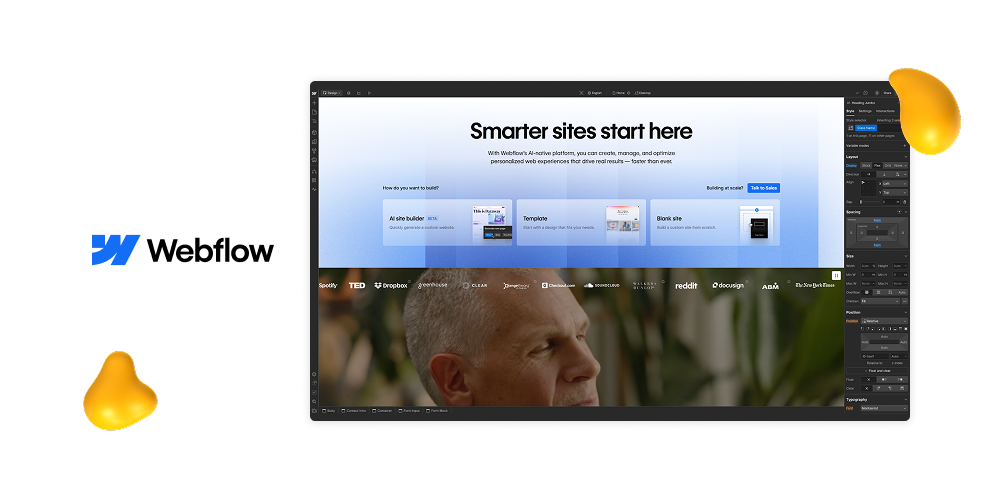
Webflow is a website builder software that sits at the intersection of design and front-end development.
It gives designers a visual, drag and drop–style way to build semantic HTML and CSS, manage content through a native CMS, and host production-ready websites without handing everything off to a separate codebase.
Rather than abstracting everything away, Webflow keeps structure visible and intentional.
The result is faster iteration, fewer translation errors, and far more control over the final output.
Best for: Marketing websites, content-driven pages, and teams that want to ship quickly using real data.
Pro tip: Set a class naming convention before you start building. Frameworks like Client-First pair especially well with Webflow and save a lot of cleanup later.
3. Framer

Framer is built for speed.
It lets designers go from design to live site in a single tool, with built-in CMS, routing, and SEO controls baked in.
That makes it especially useful for launching and iterating on landing pages, product pages, and experiments without heavy setup or handoffs.
Best for: Startups, rapid experiments, and high-velocity content that needs to move fast.
Pro tip: Lean on components and variants early. They’re key to keeping layouts consistent as pages multiply and ideas evolve.
4. Finsweet (Webflow Toolset)
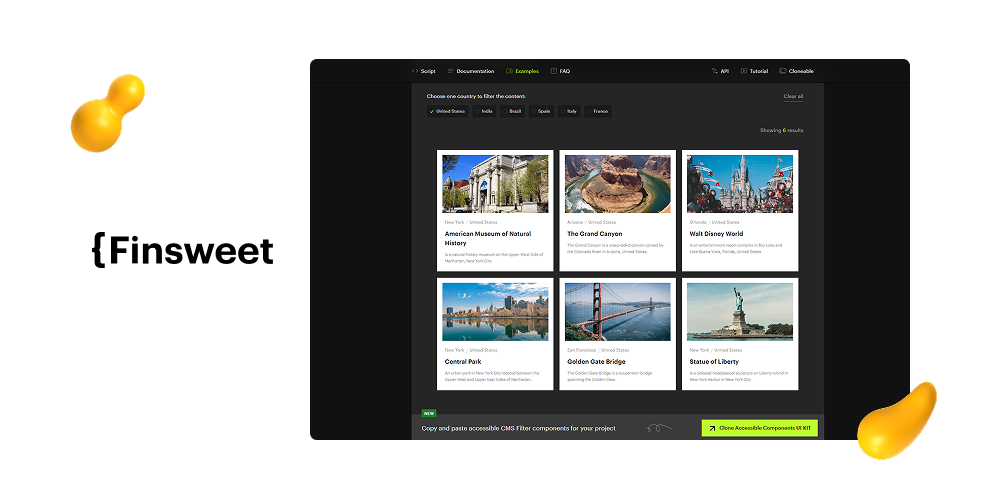
Finsweet is a collection of tools and frameworks that make Webflow projects more scalable and easier to maintain.
From the Client-First naming system to Attributes that add JavaScript-like functionality through simple HTML attributes, Finsweet helps teams build faster without sacrificing structure or clarity.
It’s especially valuable for keeping Webflow projects clean and understandable, whether you’re handing work off to another designer or scaling a site over time.
Best for: Webflow teams that want fewer custom scripts, clearer structure, and better long-term governance.
Pro tip: Start every project with Client-First. Layer in Attributes like filters or tabs only when needed to keep complexity in check.
5. Relume

Relume shines in the earliest stages of a web project.
It combines AI-generated sitemaps and wireframes with robust component libraries for both Webflow and Figma, making it easier to move from structure to build without reinventing the wheel each time.
For content-heavy websites, Relume helps teams align on layout and information architecture early, which speeds up both design and development down the line.
Best for: Agencies and teams building content-rich sites or repeating similar page types across projects.
Pro tip: Lock in your information architecture in Relume before touching visual design. It dramatically reduces rework later.
6. Polypane
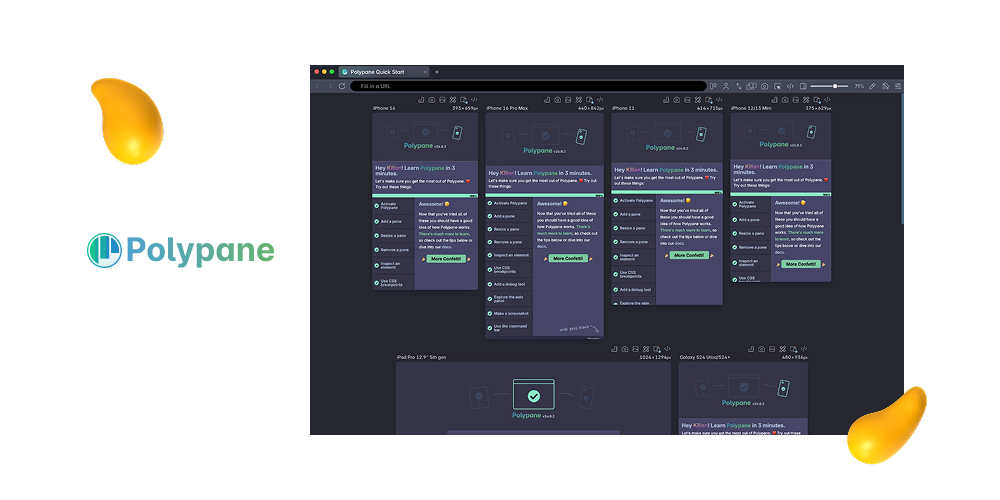
Polypane is a designer-focused browser built for testing, not browsing.
It lets you view a site across multiple synchronized breakpoints at once, while running accessibility, SEO, and performance checks in parallel.
The result is faster QA and far fewer surprises when a site goes live.
It’s especially useful for catching responsive and accessibility issues early, before they turn into last-minute fixes.
Best for: QA, accessibility reviews, and stakeholder walkthroughs across devices and screen sizes.
Pro tip: Save a workspace with your target breakpoints and rerun it before every release to catch issues quickly and consistently.
7. Rive
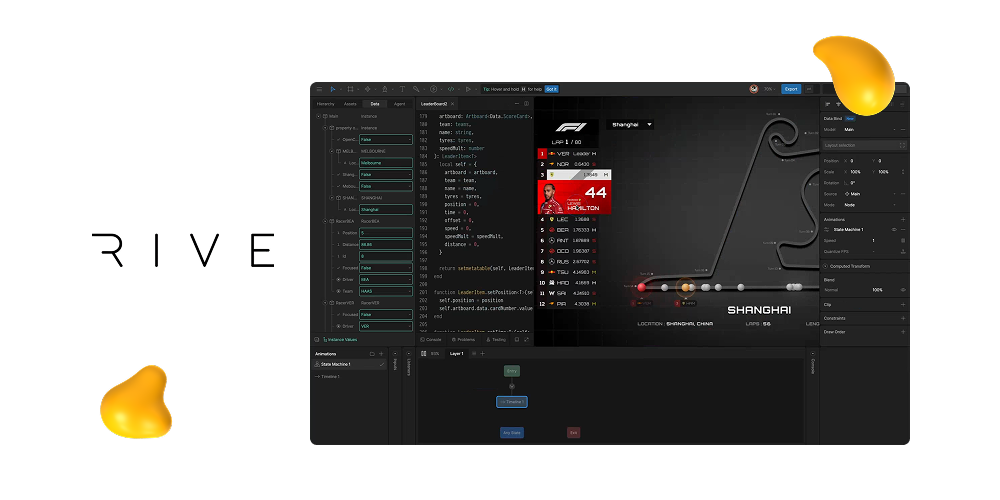
Rive is built for interactive motion, not just animation.
Using state machines, it lets designers create responsive, input-driven animations that feel native to the product experience.
The assets are lightweight and can be embedded directly on the web, making them far more flexible than traditional video or Lottie files.
Rive shines when you need motion that reacts to users, not just plays once and loops.
Best for: Adding polish to product interfaces with micro-interactions that don’t hurt performance.
Pro tip: Design interaction flows as clear states (idle, hover, active, success, and error) to keep animations flexible and easy to implement.
8. Spline

Spline makes 3D usable on the web without turning it into a performance nightmare.
It’s a browser-based tool that supports real-time collaboration and interactive exports, making it easier to add depth and motion to modern web experiences.
Used well, Spline is great for subtle 3D accents, hero sections, and product visuals that enhance a page instead of overpowering it.
Best for: Modern marketing pages and product showcases that benefit from lightweight, interactive 3D elements.
Pro tip: Keep polygon counts low and bake simple lighting. Clean, restrained 3D loads faster and looks better in real-world conditions.
9. Tokens Studio for Figma

Tokens Studio brings structure and discipline to design systems by letting teams manage design tokens for color, typography, spacing, and more, then sync them directly to code via JSON.
It helps bridge the gap between design intent and implementation, making handoff smoother and systems easier to scale across platforms.
For teams maintaining complex or multi-brand systems, Tokens Studio creates a shared source of truth between designers and developers.
Best for: Teams managing multi-brand or multi-platform design systems.
Pro tip: Name tokens by semantic intent rather than raw values. Labels like color.bg.surface age far better than blue-500 when brands evolve.
10. Squoosh
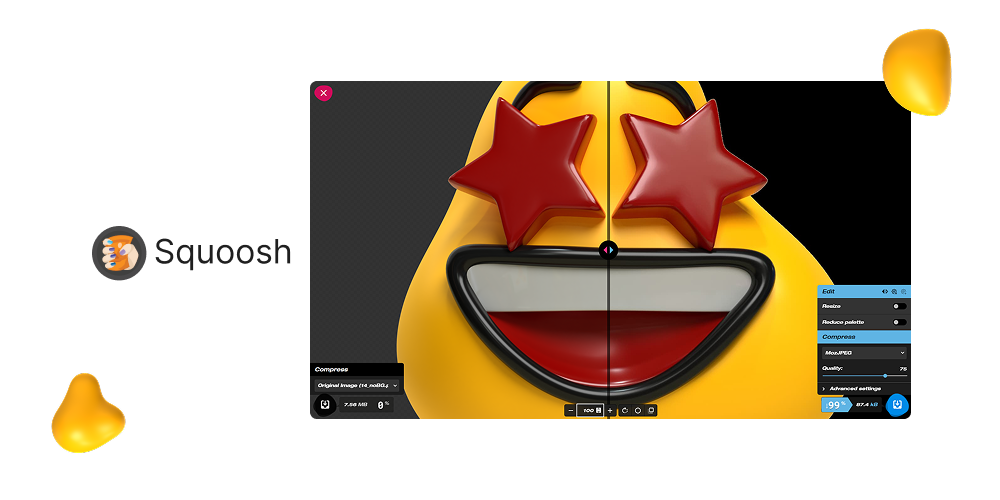
Squoosh is a simple but powerful tool for optimizing images before they ever hit production.
It runs entirely in the browser, supports modern formats like WebP and AVIF, and lets designers reduce file sizes without installing extra software or sacrificing visual quality.
It’s an easy win for performance, especially when preparing assets ahead of handoff.
Best for: Designers optimizing images before development or final delivery.
Pro tip: Export multiple formats when possible. Use AVIF or WebP for modern browsers, with JPEG fallbacks to keep performance high across devices.
Designity: Where Tools Meet Real Projects
The best web design tool stack blends creativity with delivery.
Design in Figma, plan with Relume, build in Webflow or Framer, and enhance with Finsweet. Validate in Polypane, keep assets lean with Squoosh, and add polish with Rive and Spline.
When the stack works, ideas move faster and launches feel smoother.
But here’s what most tool lists skip: tools are only half the equation.
The real challenge is having steady work, clear direction, and enough breathing room to actually use them well.
That’s exactly what Designity offers.
As a creative, you get consistent projects, reliable income, and support from experienced Creative Directors who manage scope, feedback, and client noise.
You spend more time designing, building, and shipping great work, and less time prospecting or buried in admin.
Ready to put your stack to work?
Join Designity’s creative and marketing community today.
Keep Exploring:
- Discover 10 creative web design tips to elevate your website projects.
- Check out the typography trends every designer should know right now.




-2025-12-24%2520at%252010.31.02.webp)