



.webp)
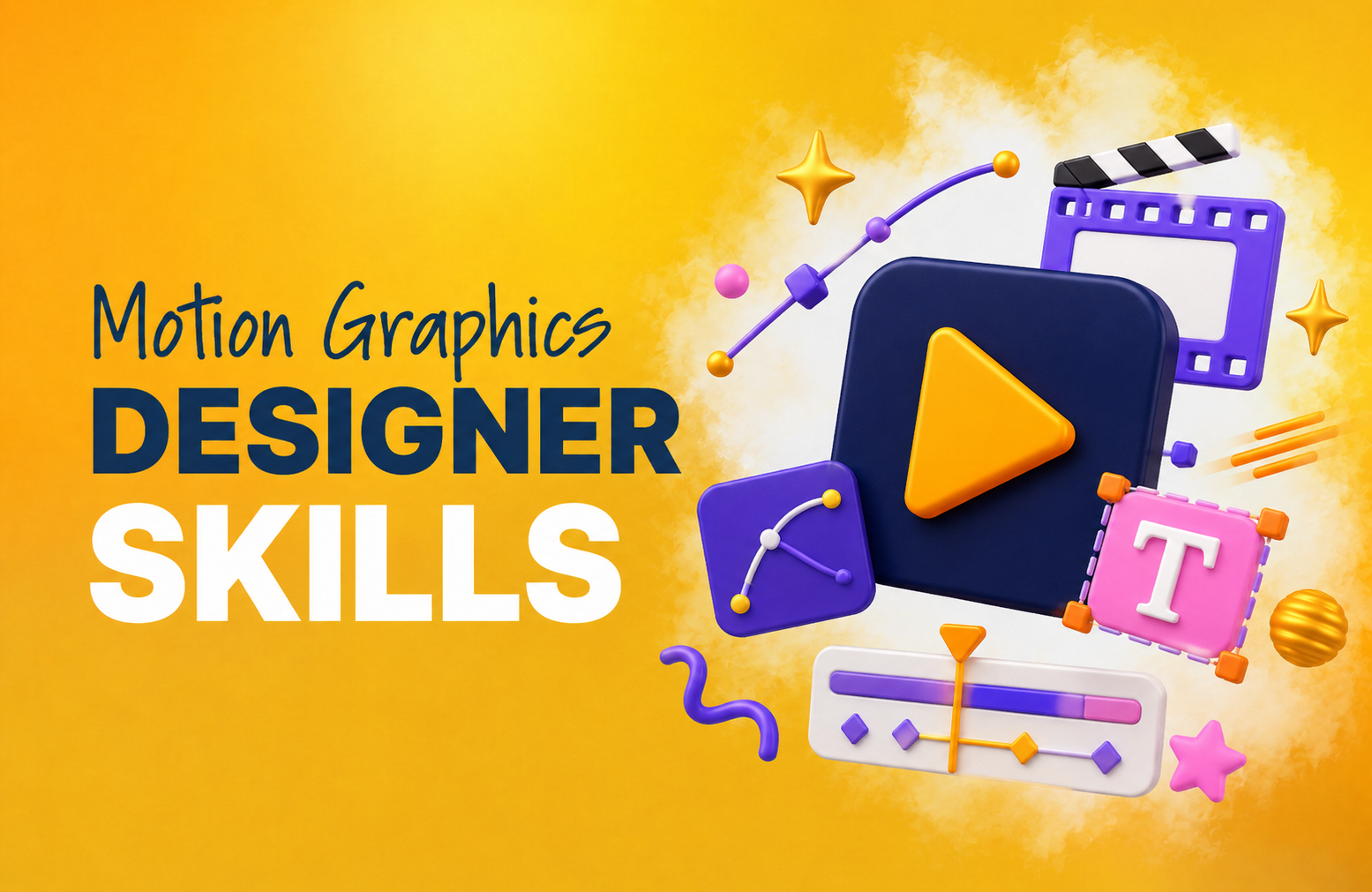
If you’ve ever stopped scrolling for a beautifully animated title sequence or a sharp explainer video, you’ve already seen what a skilled motion graphics designer can do.
Motion graphic design blends graphic design and animation to create visual content that moves, helping brands capture attention in ways static images can’t.
But not every designer who lists motion graphics on their resume has the creative, technical, and strategic range to deliver work.
Here are the 10 motion graphics designer skills that separate good talent from great talent, plus the easiest way to work with one without hiring.
What Is Motion Graphics Design?
Motion graphics design is a digital art form combining graphic design and animation to create visual content that moves.
A motion graphic designer animates elements like text, images, icons, and video clips using 2D or 3D techniques, visual effects, and cinematic principles, producing content for film, TV, social media, ads, and more.
Unlike traditional animation, which builds narratives around characters and scenes, motion graphics design focuses on design elements: typography, shapes, and brand visuals brought to life through movement.
Think logo animations, explainer videos, and kinetic title sequences.
What’s the Difference Between Motion Graphics and Animation?
While motion graphics do fall under the umbrella of animation, there are some differences.
Motion graphics focuses specifically on graphic design elements like text, shapes, icons, and images, bringing them to life through movement. You see motion graphics for things like title sequences in movies, explainer videos, and logo animations.
In contrast, traditional animation usually involves creating a narrative with characters and scenes, with much more complex storytelling.
10 Motion Graphics Designer Skills Every Brand Should Look For
Creating strong motion graphics design takes both technical and artistic ability.
Here's what to look for:
1. Design Software Expertise
A skilled motion graphics designer will be proficient in industry-standard tools like Adobe After Effects, Cinema 4D, and Adobe Illustrator.
These platforms sit at the core of professional motion graphic design, and since they evolve constantly, a great designer stays current with new features and workflows, not just the version they learned in school.
2. Animation Principles
Knowing timing, easing, anticipation, and the physics of movement is what separates motion that feels natural from motion that feels mechanical.
A strong motion graphic designer applies these principles instinctively, making sure content is dynamic, believable, and actually holds attention rather than just filling a frame.
3. AI Fluency
AI is quickly becoming part of the motion graphics workflow, but it is not a replacement for creative judgment.
A strong motion graphics designer knows how to use AI tools to speed up concepting, storyboarding, asset creation, editing, and workflow automation while still protecting brand consistency, visual quality, and originality.
The best designers use AI as a creative assistant, not a shortcut, and know when the work needs a human eye.
4. Technical Mastery
Beyond animation, a motion graphics designer needs to handle the full production pipeline:
- Render optimization, balancing quality and performance for even the most complex animations.
- Compositing, seamlessly layering images, video, text, and effects into cohesive scenes.
- File format management, selecting and exporting the right formats for each platform and use case.
5. Attention to Detail
Element alignment, animation timing, color consistency-motion graphics design lives or dies on the details.
A good designer reviews their work thoroughly, catching small errors before they compound into visible problems in the final deliverable.
6. Storytelling
Even a 15-second social clip tells a story. A skilled motion graphic designer knows how to structure a narrative arc, use pacing intentionally, and move an audience emotionally, regardless of format length.
The best ones treat every brief as a storytelling problem first and a technical challenge second.
7. Typography Skills
Kinetic typography is a core part of motion graphics design.
A great designer knows which fonts align with a brand, how to animate text for maximum readability and visual impact, and how to make type feel like part of the motion rather than an overlay sitting on top of it.
8. Color Theory
Color is a storytelling tool.
A motion graphics designer who understands color theory knows how to use hue, saturation, and contrast to evoke specific emotions, reinforce brand messaging, and guide viewer attention, creating visual harmony rather than just making things look nice.
9. Communication
Motion graphic designer jobs involve regular collaboration with clients, creative directors, and project managers.
A designer who can clearly interpret feedback, articulate their creative decisions, and flag issues early is far easier to work with and consistently delivers better results than one who works in isolation.
10. Time Management
Juggling multiple projects at different stages requires strong organizational skills.
The best motion graphics designers build personal workflows that let them handle several briefs simultaneously without letting quality slip, deadlines slide, or communication go quiet.
{{drowning-in-projects}}
5 Benefits of Motion Graphics for Brand Marketing
Once you've found the right motion graphics designer for your brand, the impact on your marketing is immediate.
Great motion graphic design:
- Captures attention faster than static images and holds it longer.
- Simplifies complex ideas through visual storytelling and animated graphics.
- Improves brand recall; studies consistently show that animated visuals are retained more effectively than static text or images, giving motion graphic design a measurable edge in awareness campaigns.
- Works across every channel without losing quality; the same motion graphic design asset can live on social, in email, on your website, and in presentations.
- Signals professionalism and builds credibility; audiences consistently rate brands with high-quality motion content as more trustworthy and forward-thinking.
How to Hire a Motion Graphics Designer: 7 Key Steps
Finding the right motion graphics designer takes more than scrolling through pretty reels and hoping for the best.
You need someone who understands your brand, works well with feedback, knows the right tools, and can turn ideas into polished motion assets that actually support your marketing goals.
Here’s how to make the hiring process a little less “please let this portfolio be honest.”
1. Define Your Project Scope
Start by getting clear on what you need the designer to create. Is it an explainer video, animated ad, logo animation, social media content, product demo, or full campaign package?
Outline your goals, deliverables, timeline, budget, and where the final assets will be used.
2. Write a Clear Job Description
A strong job description should explain the type of motion graphics work you need, the platforms the content is for, the software skills required, and whether the role is freelance, part-time, full-time, or project-based.
Be specific about skills like After Effects, Cinema 4D, Illustrator, typography, animation principles, and storytelling.
3. Review Portfolios Carefully
A beautiful reel is great, but look beyond the flash.
Pay attention to pacing, brand consistency, transitions, typography, visual hierarchy, and whether the designer has created work similar to what your brand needs.
The best portfolio should show range, polish, and strategic thinking.
4. Ask About Their Creative Process
Use the interview to understand how the designer thinks.
Ask how they approach briefs, handle feedback, organize files, meet deadlines, and collaborate with creative teams.
You’re not just hiring someone who can animate. You’re hiring someone who can solve creative problems.
5. Test Their Skills with a Small Paid Project
A short paid test can help you see how the designer works in a real-world scenario. Keep it focused, fair, and relevant to the type of work you’ll actually need.
Look at how they interpret the brief, manage timing, communicate questions, and polish the final asset.
6. Check References and Past Feedback
Before making a decision, ask about reliability, communication, turnaround time, and how well the designer handled revisions.
Motion graphics projects can get detailed fast, so you want someone who stays calm, collaborative, and organized.
7. Compare Hiring, Freelancing, and Outsourcing Options
A freelancer can work for one-off projects, but it still means vetting portfolios, chasing availability, explaining your brand from scratch, managing feedback, and following up on deadlines.
On the other hand, hiring a full-time motion graphics designer isn't exactly cheap or necessary for every business.
In fact, the median total pay for a full-time motion graphics designer in the US is around $95,000/year.
And that's before you factor in recruiting time, onboarding, software, management, benefits, and the joy of discovering three weeks in that their portfolio didn't tell the whole story.
Sounds like a lot of work, right?
That’s exactly where Designity comes in.
For around $72K/year, you get access to a Creative Director-led team that can support motion graphics and much more, without adding another full-time hire to your payroll.
With Designity, you get:
- Top 1% global creatives and marketers who have already gone through multiple interviews, portfolio reviews, reference checks, and quality evaluations.
- A dedicated Creative Director who helps match the right talent to your project, guide creative direction, manage feedback, and keep quality on track.
- Project kickoff in under 72 hours, so you can move from “we need motion graphics” to “this is already in motion” much faster.
- 100+ creative and marketing services, from motion graphics and video to branding, copywriting, web design, social media, paid ads, and more.
- Flexible creative support without extra hiring, so you can scale output without managing another freelancer, agency, or full-time role.
Designity: Motion Graphics Without the Hiring Slow-Mo
Knowing which motion graphics designer skills to look for can help you separate polished portfolios from real creative problem-solvers.
At Designity, an AI-enabled, human-led Creative-as-a-Service (CaaS) platform, we make finding that talent a whole lot easier.
Our top 1% global creatives and marketers, guided by seasoned Creative Directors, bring together the design, animation, storytelling, typography, AI fluency, and technical expertise needed to create motion graphics that actually move your audience.
Need motion graphics without sorting through endless resumes, test projects, or freelance roulette?
Book a demo call and get a 2-week trial with no upfront payment, from motion graphics and video to full-scale creative support across 100+ services.
3 FAQs Related to Motion Graphics Designer Skills
Here are the answers to a few questions about motion graphics designer skills:
1. What Skills Should You Look for in a Motion Graphics Designer?
When hiring a motion graphics designer, look for a mix of creative, technical, and communication skills.
Strong candidates should understand animation principles, typography, color theory, visual storytelling, brand consistency, design software, time management, and how to adapt motion assets for different platforms, from paid ads to social media to websites.
2. Will AI Replace Motion Graphics Designers?
AI can help speed up parts of the motion design process, like concepting, asset generation, and simple animation tasks.
But it can't replace a skilled motion graphics designer’s creative judgment, brand understanding, storytelling ability, and eye for detail.
For brands, the best results usually come from designers who know how to use AI strategically without letting it drive the creative.
3. Is Hiring a Motion Graphics Designer Worth It?
Yes, especially if your brand needs to explain complex ideas, improve ad performance, create scroll-stopping social content, or make static visuals feel more engaging.
A good motion graphics designer can turn brand messages, product features, data, and campaign ideas into animated content that is easier to understand, remember, and act on.